Date posted:
Plandroid version 6.1.2 is now available for download. This includes minor fixes to the major update version 6.1.0. You can upgrade from Plandroid with the menu item Help -> Check for Updates, or the program will automatically upgrade if you are using the default upgrade settings.
Highlights in this version:
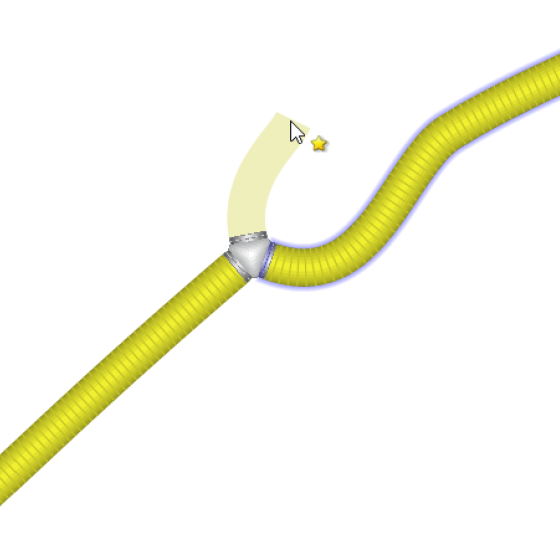
- An experimental quick build tool (toggle use with the '~' or '`' key) has been added. This tool lets you draw directly into ducts or connectors and lets you immediately choose your connectors or resize or replace parts without having to refer to the catalog selections.
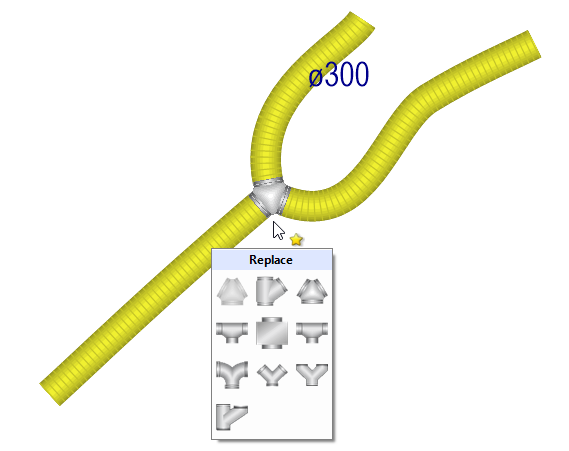
Quick build tool
Clicking on an a part will let you replace or resize that part. Clicking on a connector with the tool will let you add the next part.
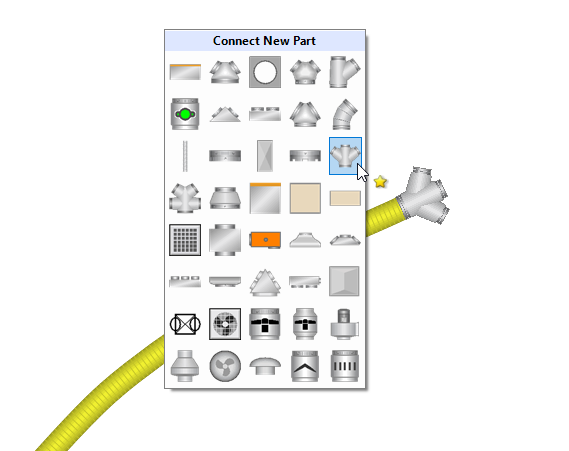
Connecting a new part
- A part such as a damper or Y-piece can now be dragged directly into a duct and it will automatically resize and be inserted with the required connections.
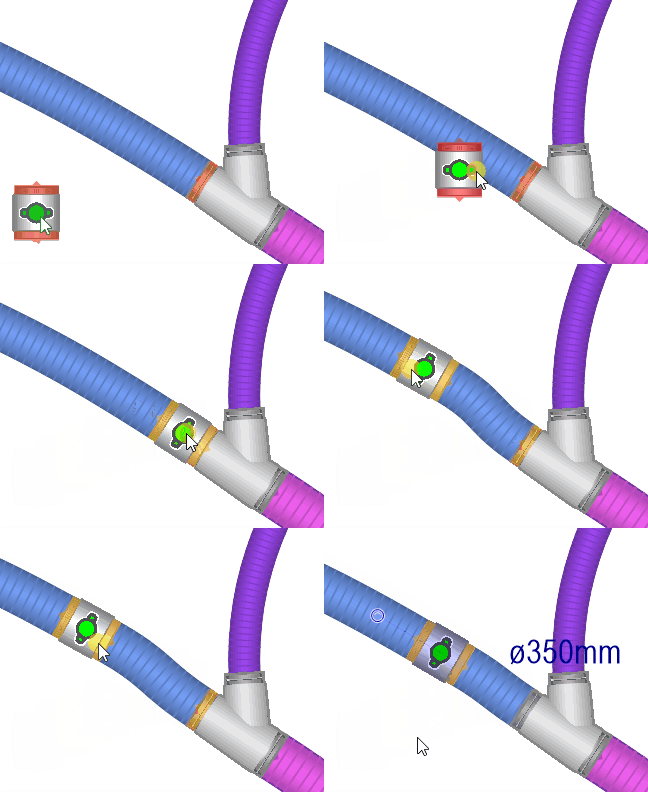
Insert on drag
- Doing an [Alt] + drag on a canvas selection will do a quick clone copy of the selection.
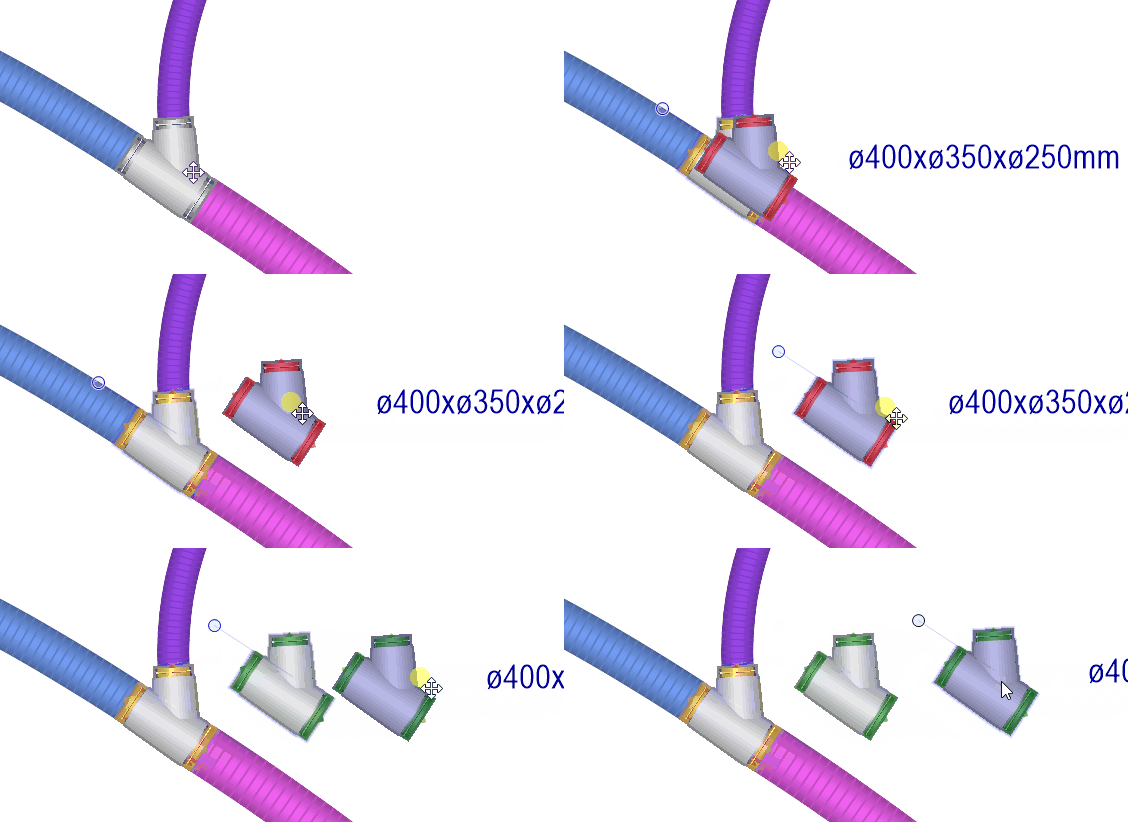
[Alt] + drag to copy
A new option has been added to export your design in AutoCAD DXF 2D or 3D format.
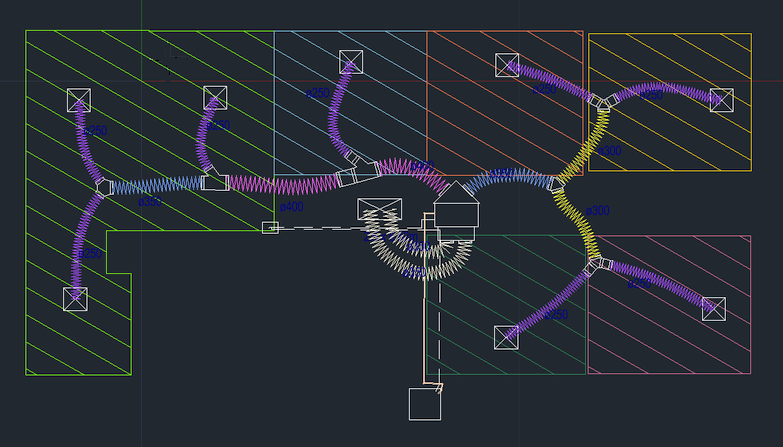
2D AutoCAD DXF output
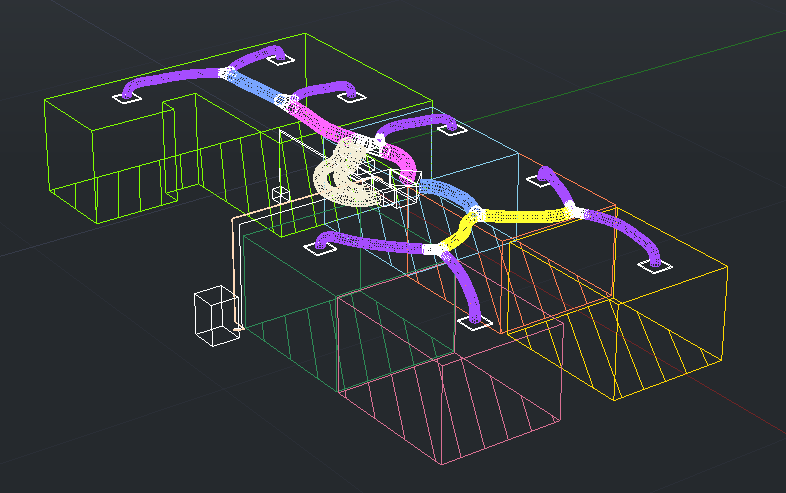
3D AutoCAD output
- Drawn linear grilles can be fully customisable in all dimensions using the context menu.
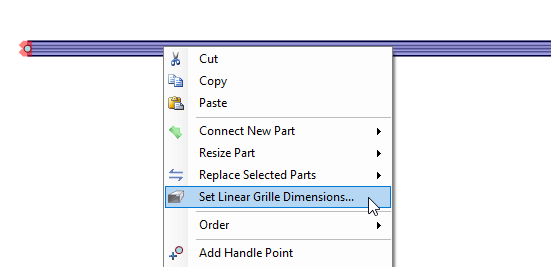
Setting linear grille dimensions
- Hydronic underfloor calculations have been improved to show flow rates and pressure loss for each coil.

Hydronic coil properties
- The Zones Table dialog can be resized to fit its contents by double clicking the form header.
- We now fully support integration with ServiceM8 CRM software.
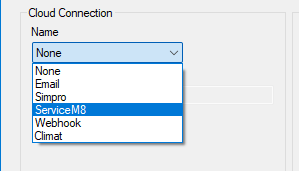
- The Simpro integration has been updated and now also supports uploading pre-builds.
- A QR code containing a shortened summary of the zones table information can be inserted directly into the design canvas.
- Find in Catalog now does a dynamic search as you type, and it now also searches on connection sizes. You can now also drag-and-drop parts from Find into the canvas.
- There is now an option to use the middle mouse button to pan the view.
- Ventilation now lets you account for wind loads in your system, and supports having multiple inlets and outlets on one part.
- Manual J support has been improved, including using interpolation and extrapolation in lookup tables.
- When creating a door or window we now use a hover menu to show you your options.
Have a careful read of the release notes in the ReadMe.txt file in the distribution for a complete list of new features and changes.
Upgrade to the new version now!